

Stop Copy-Pasting. Start Copy-Filling.
Copy the text once. TextsBert handles the rest, built to understand English texts.
TextsBert supports filling forms in English, Deutsch, Français, Español, and العربية Profiles and Snippets support ALL Languages
In most Countries, copied customer data should not be sent outside the Workflow to be processed on a Cloud AI.


Start with browser autofill. Add full PDF work only when you need it.
TextsBert is strongest when copied business text still has to become accurate fields or cleaned PDFs under local control.
Browser extension for daily work
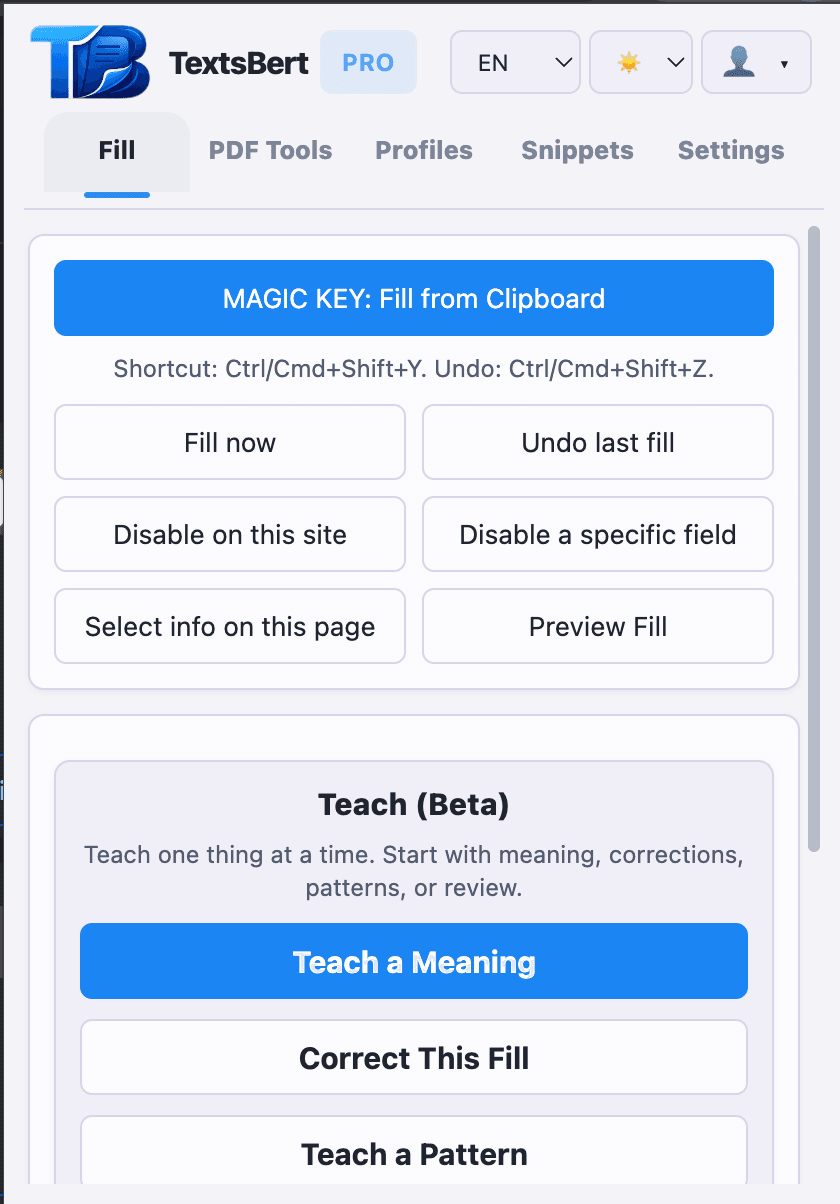
The extension stands on its own for fast browser filling, reusable data, review, and light PDF work while the core workflow stays local-only.
- Fill from clipboard text copied from emails, invoices, portals, or notes
- Use selected page info when the page already contains useful context
- Keep the final submit action in the user’s hands
- Handle light PDF tasks directly in the same browser-first workflow
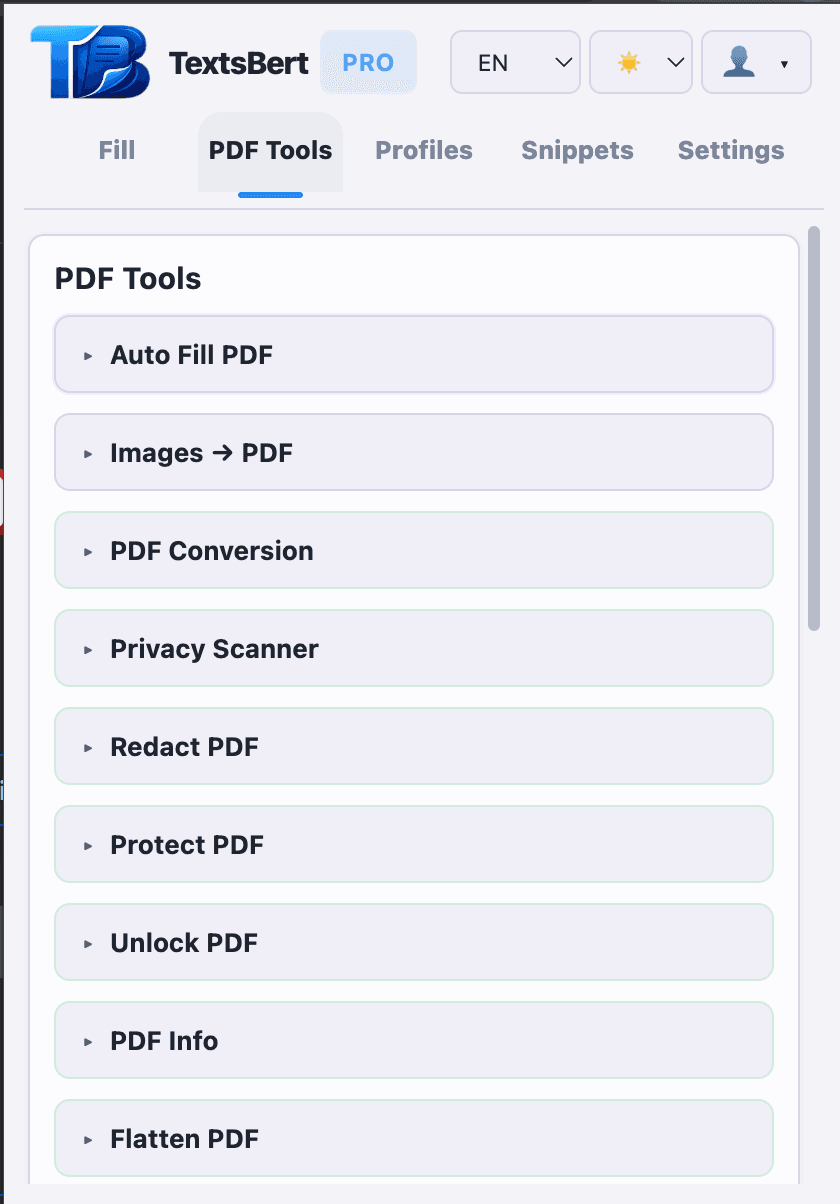
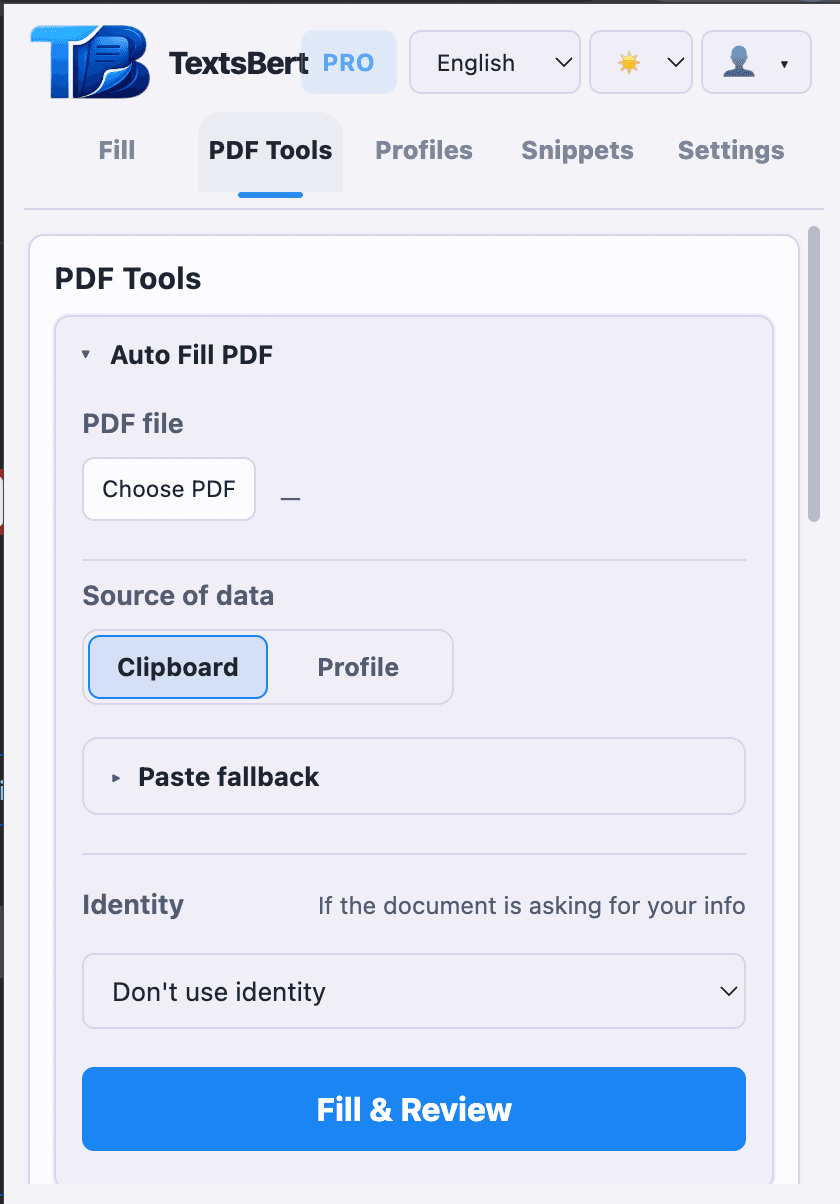
PDF tools and Auto Fill PDF
PRO+ opens the full PDF layer inside TextsBert for preparation, cleanup, review-before-export, and fillable-PDF completion.
- All 18 PDF tools stay inside the same TextsBert workflow
- Auto Fill PDF is available for fillable PDFs only
- Prepare, clean, and export PDFs without handing the core file work to outside processing
Where TextsBert does its best work.
TextsBert fits best when changing copied text still has to become accurate form or document work under local control.
Images, format fixes & PDF prep
Bring images and mixed source files into the same document workflow before you fill or export.
- Convert images into PDFs before editing or exporting
- Fix format issues before upload, archive, or handoff
- Prepare source files before the final document step
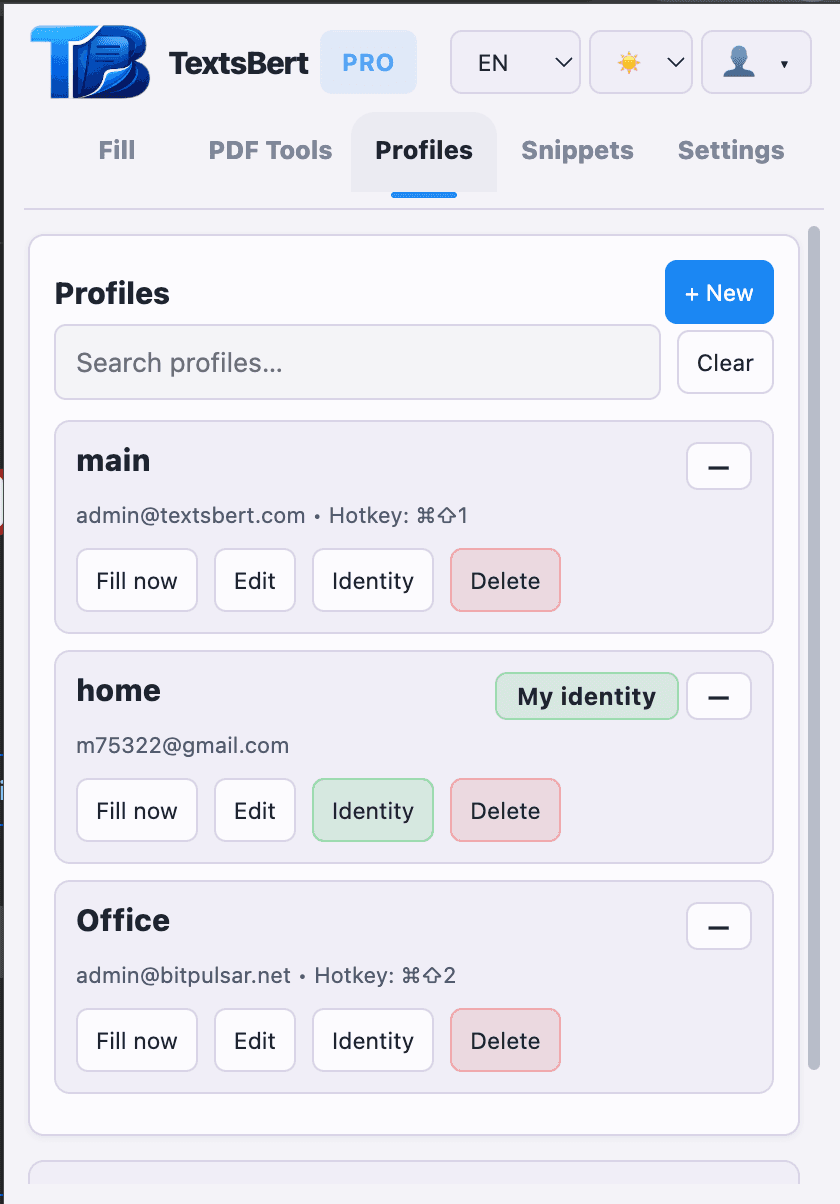
Profiles, snippets & saved field rules
Keep repeated data and repeated field decisions ready for the next form, portal, or document.
- Profiles for people, companies, addresses, and business details
- Snippets for repeated wording, replies, and internal notes
- Saved Field Rules for unusual portals, stubborn fields, and taught behavior
Signatures & business details
Keep signature assets, logos, and repeated business identity close to the forms and documents that need them.
- Signature-ready document flows
- Business details reused across repeated paperwork
- City, date, logo, and branded output support
Review, export & portability
Keep review visible, preserve original files, and keep manual backup, export, and import available when you need a direct portability path.
- Review stays visible before submit or export
- Original files stay unchanged while you create fresh outputs
- Manual backup, export, and import stay available when setup needs a direct portability path
Read the guides behind TextsBert.
These pages explain template automation, transfer automation, privacy-sensitive workflows, and why TextsBert fits serious copied-text form work.
Switch from template automation
When snippets and templates stop matching messy copied text, TextsBert gives repetitive operations work a local-only way to fill real forms accurately.
Switch from transfer automation
When the source changes every time, TextsBert is a better fit than mapped transfer-style automation.
Copied-text filling is a different category
Define the category correctly before you compare TextsBert with automation SaaS built for a different job.
Why local-only autofill matters
Understand why local control matters when copied customer, billing, supplier, or other sensitive business data should not be routed to outside cloud processing by default.
Billing and admin workflows
See how TextsBert fits repetitive portal work where copied business text still has to end in accurate fields.
Browser extension
Go deeper into the live browser product that already handles repetitive form work, reusable data, and review-first filling.
Where TextsBert actually saves time.
These are the repetitive business jobs where TextsBert saves time without giving up review or local control.
Vendor onboarding is a strong fit for profiles, snippets, Saved Field Rules, and browser-based repeated work.
Shipping and billing forms are a clean extension-first use case with profiles, snippets, review, and supporting PDF exports.
Admin portals are a strong fit for quick entry, teaching flows, and Saved Field Rules.
Image-heavy paperwork is often a preparation problem first: image cleanup, conversion, compression, and final packet control.
Repeated document prep is where the full 18-tool PDF layer pays off day after day.
Start free, move to PRO for daily browser work, or choose PRO+ for full PDF control.
Free is for real evaluation. PRO is full web-form autofill. PRO+ adds all 18 PDF tools and Auto Fill PDF for fillable PDFs.
Start with one device and real daily limits when you want to test the workflow against actual work.
Use full web-form autofill for repeated browser work, reusable data, review, and day-to-day copied-text filling.
Keep everything in PRO and add all 18 PDF tools plus Auto Fill PDF for fillable PDFs when the work needs full PDF control.
Fact: When copied customer data becomes available to an outside processor, international-transfer rules, vendor review, and extra compliance obligations can come into play. TextsBert is built so the core form and PDF workflow can stay local-only.
Sources:European CommissionEDPB Guidelines 05/2021ICO international transfers
Short answers before you bring it into real work.
What is TextsBert™?
TextsBert is a local-only browser product for repetitive form work, reusable data, and PDF handling that starts from copied customer or business text. The browser extension is the daily-work product, and PRO+ unlocks the full PDF layer inside the same TextsBert workflow.
Does TextsBert submit forms for me?
No. It fills fields and prepares outputs. Final submit and final confirmation stay with the user.
Can it work with PDFs, not only forms?
Yes. TextsBert includes PDF preparation, cleanup, conversion, privacy tools, page tools, and Auto Fill PDF for fillable PDFs. PRO+ unlocks the full 18-tool PDF collection.
What are profiles, snippets, and Saved Field Rules?
Profiles hold repeated personal or business details. Snippets hold repeated text. Saved Field Rules remember how unusual fields should be handled on portals or forms you use again, so you do not have to reteach the same field behavior every time.
TextsBert is built for repetitive business work, local-only handling, reusable data, and review before submit or export.